eStoreware Quick Order Forms – B2B Ordering, Shared Forms & QR Codes

eStoreware Quick Order Forms helps nopCommerce stores provide faster repeat ordering with reusable customer forms, product-page add buttons, public share links, QR codes, branded print flyers, CSV import and export, one-click add to cart, and Quick Order Snap desktop shortcuts.

Requires eStoreware Core: The free eStoreware Core plugin is automatically included with supported plugin purchases.

SKU: ESW-QUICK-ORDER-FORMS
$149.00
*
Supported Versions
4.80
increase decrease
Enquire Now

Quick Order Forms for nopCommerce

Make repeat ordering faster for every customer.

Create reusable B2B order forms with customer-specific product lists, public share links, QR codes, CSV tools, branded print flyers, product-page shortcuts, and one-click add to cart.

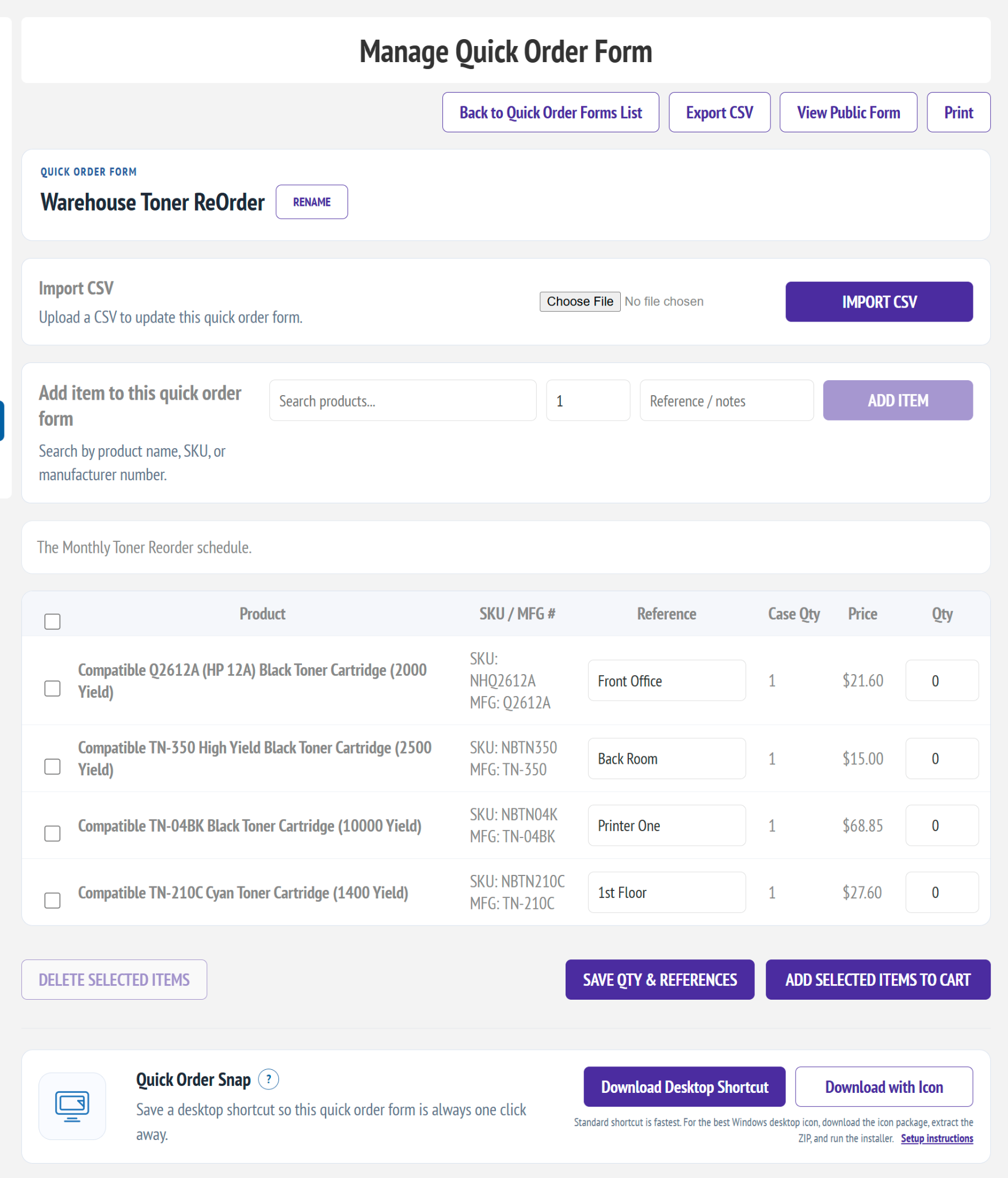
Customer managing a reusable Quick Order Form in nopCommerce
nopCommerce 4.80 support Customer-specific forms Multi-store controls Expert support available

Faster B2B Reordering

Turn frequently purchased items into an easy, repeatable workflow.

Customers can maintain saved order lists in My Account, reorder selected products in one operation, or open a shared form from a link, QR code, email, printed flyer, or desktop shortcut.

Reusable customer forms

Create customer-specific lists with saved quantities, references, product notes, and display order.

Fast product lookup

Search by product name, SKU, manufacturer part number, or keyword while building a form.

Product-page add button

Let signed-in customers save a product to an existing form without leaving the product page.

QR

Public links and QR codes

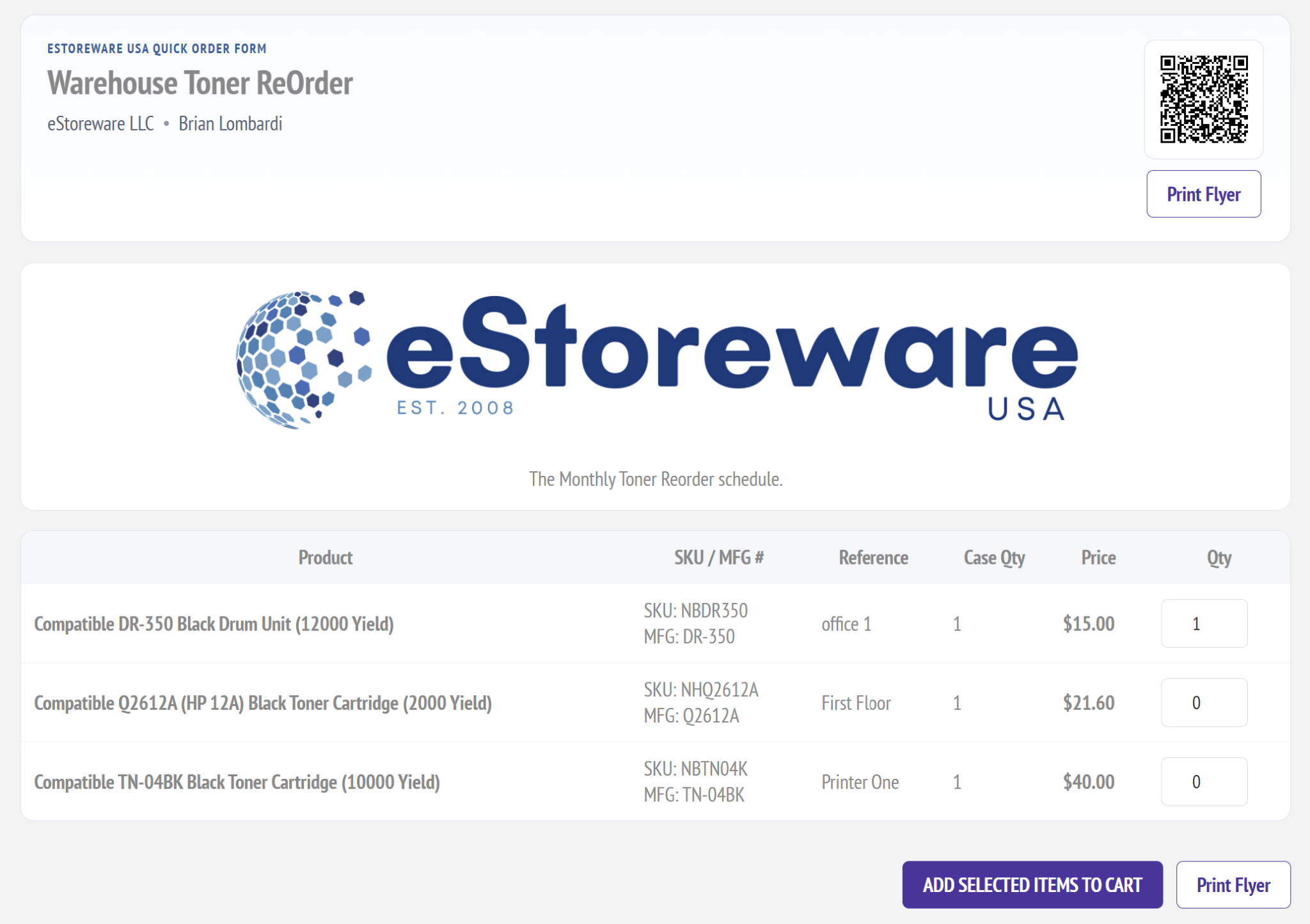
Share an ordering form through a public URL, scannable QR code, or printer-friendly flyer.

CSV

CSV import and export

Build or update larger forms efficiently and export saved product lists for offline work.

Quick Order Snap

Give customers a Windows desktop shortcut that opens a specific order form directly.

Customer Ordering Experience

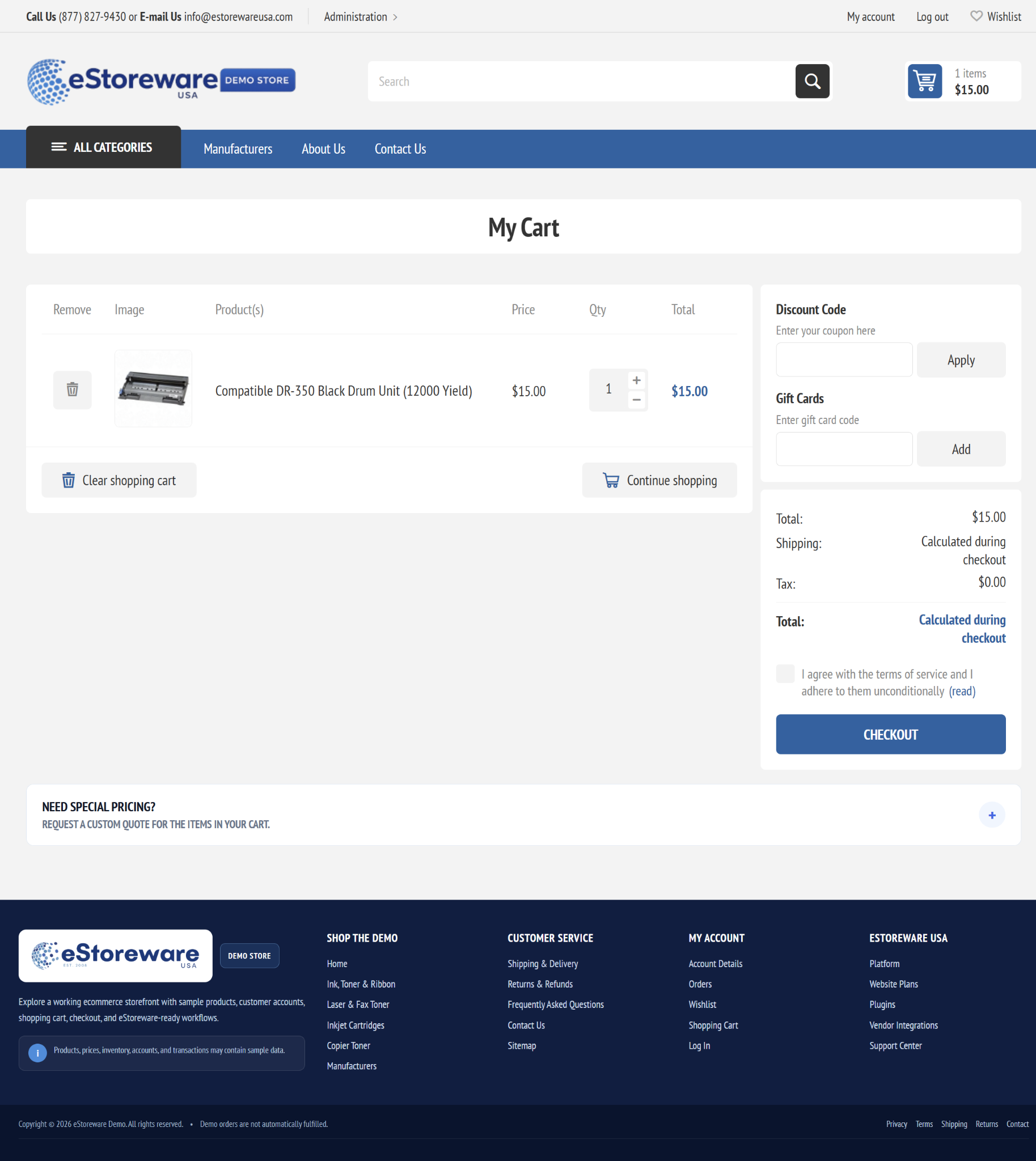
Saved forms inside My Account, with selected items added to cart together.

Customers can create and manage their own forms when permitted, adjust quantities, save internal references, print or export the list, and choose exactly which products to reorder.

  • Create and manage multiple reusable forms
  • Save default, minimum, and case quantities
  • Add selected products to the nopCommerce cart in one step
  • Keep department, room, location, or internal reference notes
Selected Quick Order Form products added to the nopCommerce shopping cart
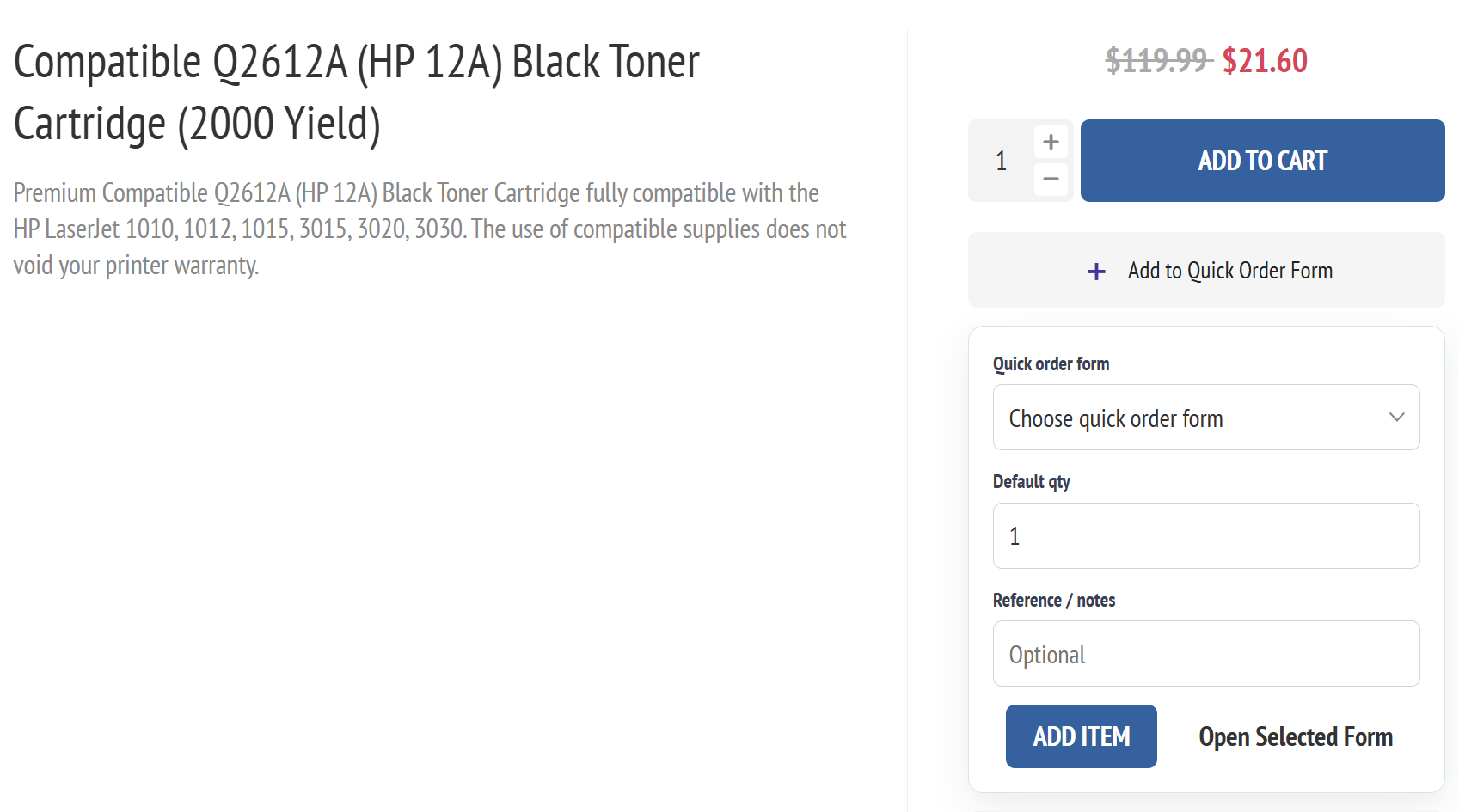
Add to Quick Order Form panel on a nopCommerce product page

Build Forms While Shopping

Add products directly from the product page.

A logged-in customer can select an existing form, enter a default quantity and optional reference, and save the product for future ordering without interrupting the shopping workflow.

  • Select an existing Quick Order Form
  • Save an optional customer reference or note
  • Set a reusable default order quantity
  • Open and manage saved forms from My Account

Public Ordering and Mobile Access

Share branded order forms anywhere customers reorder.

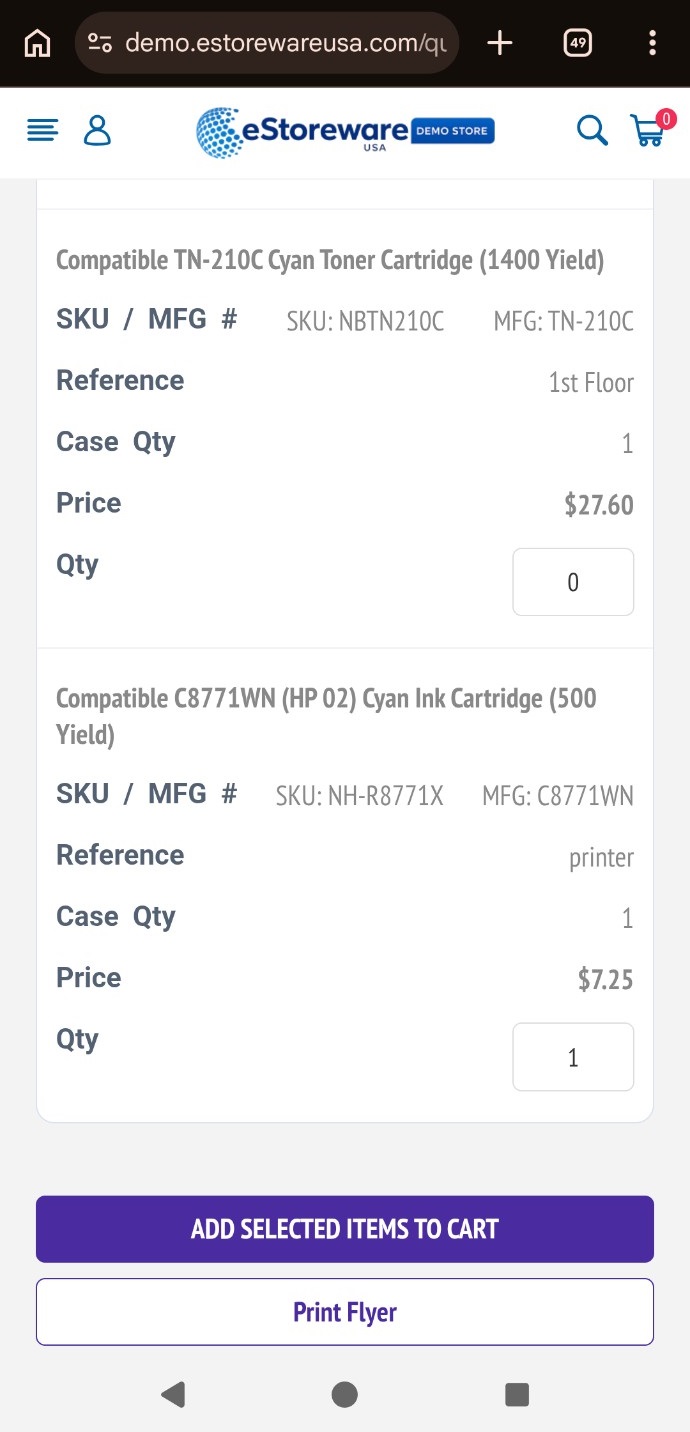
Public forms can use a branded header, instructions, a direct share URL, QR access, and a mobile-friendly ordering view—ideal for offices, departments, supply rooms, counters, and recurring purchasing programs.

Administration and Pricing Controls

Manage customer forms, product behavior, pricing, sharing, and activity.

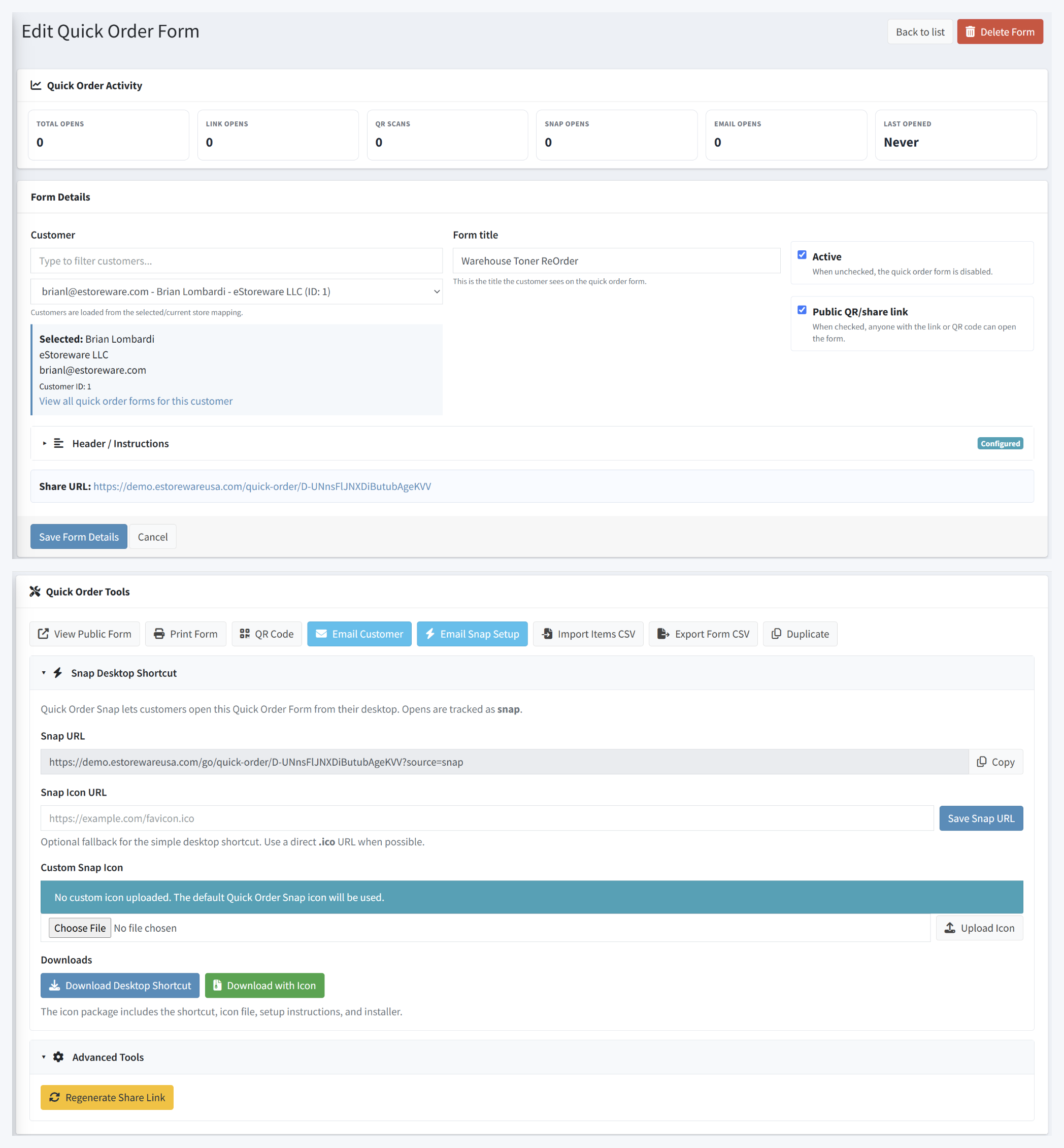
Administrators can create forms for customers, control public access, import or export items, duplicate forms, regenerate share links, email customers, and review how forms are being opened.

  • Store-aware product availability and lookup settings
  • Optional item-level selling price overrides
  • Customer email and Quick Order Snap setup actions
  • Link, QR, Snap, and email-open activity reporting
Quick Order Forms nopCommerce administration tools
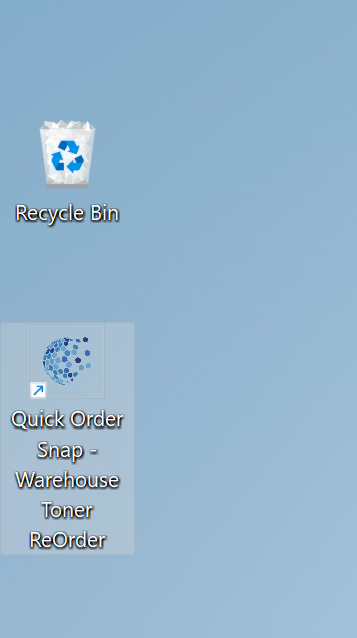
Quick Order Snap shortcut installed on a Windows desktop

Quick Order Snap

Put a customer’s reorder form directly on the Windows desktop.

Quick Order Snap provides a downloadable desktop shortcut for a specific form. Administrators can email setup links, provide an icon package, and track Snap opens alongside other form activity.

  • Standard desktop shortcut download
  • Optional shortcut package with custom icon
  • Email setup instructions directly to the customer
  • Direct access to the saved form and print view

Ready to make repeat ordering easier?

Start a 14 day trial, purchase a single-domain license, or select a multi-domain license above. The free eStoreware Core plugin is included with supported plugin purchases.

Only registered users can write reviews