
Storefront
Branded product, category, content, and promotional pages.
Managed nopCommerce website solutions
nopCommerce provides the open-source ecommerce foundation. eStoreware provides implementation, hosting, configuration, design assistance, plugins, integrations, training, and ongoing support.
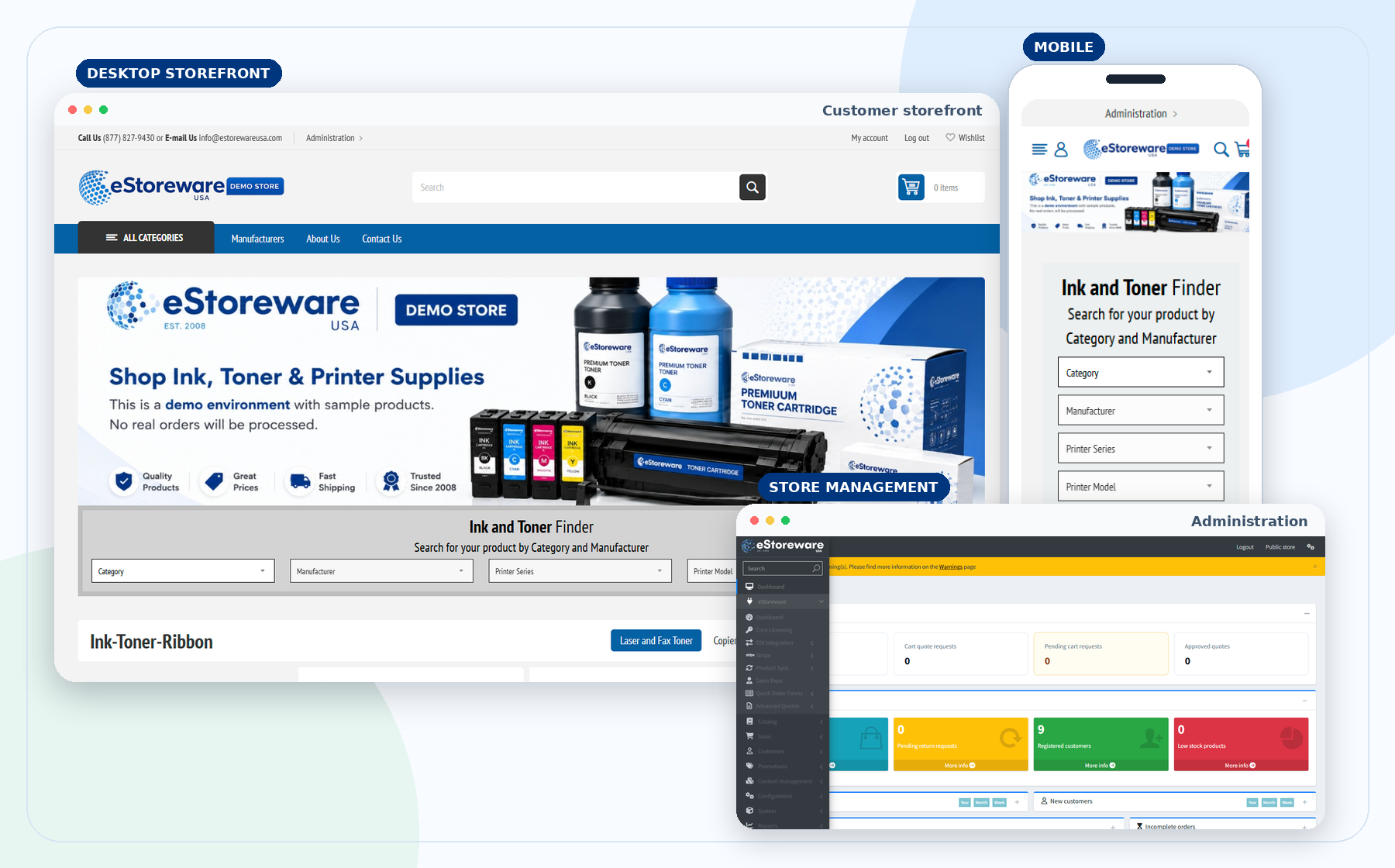
Branded product, category, content, and promotional pages.
Responsive shopping across phones, tablets, and desktops.
Cart, shipping, payment, review, discounts, and account tools.
Products, customers, orders, content, settings, and reporting.
Repeat-order forms, quotes, account workflows, and approvals.
Product feeds, vendor ordering, EDI, and automation.
Customer-facing experience
Present your brand, help customers find the right items, and guide them from the homepage through product selection and checkout.
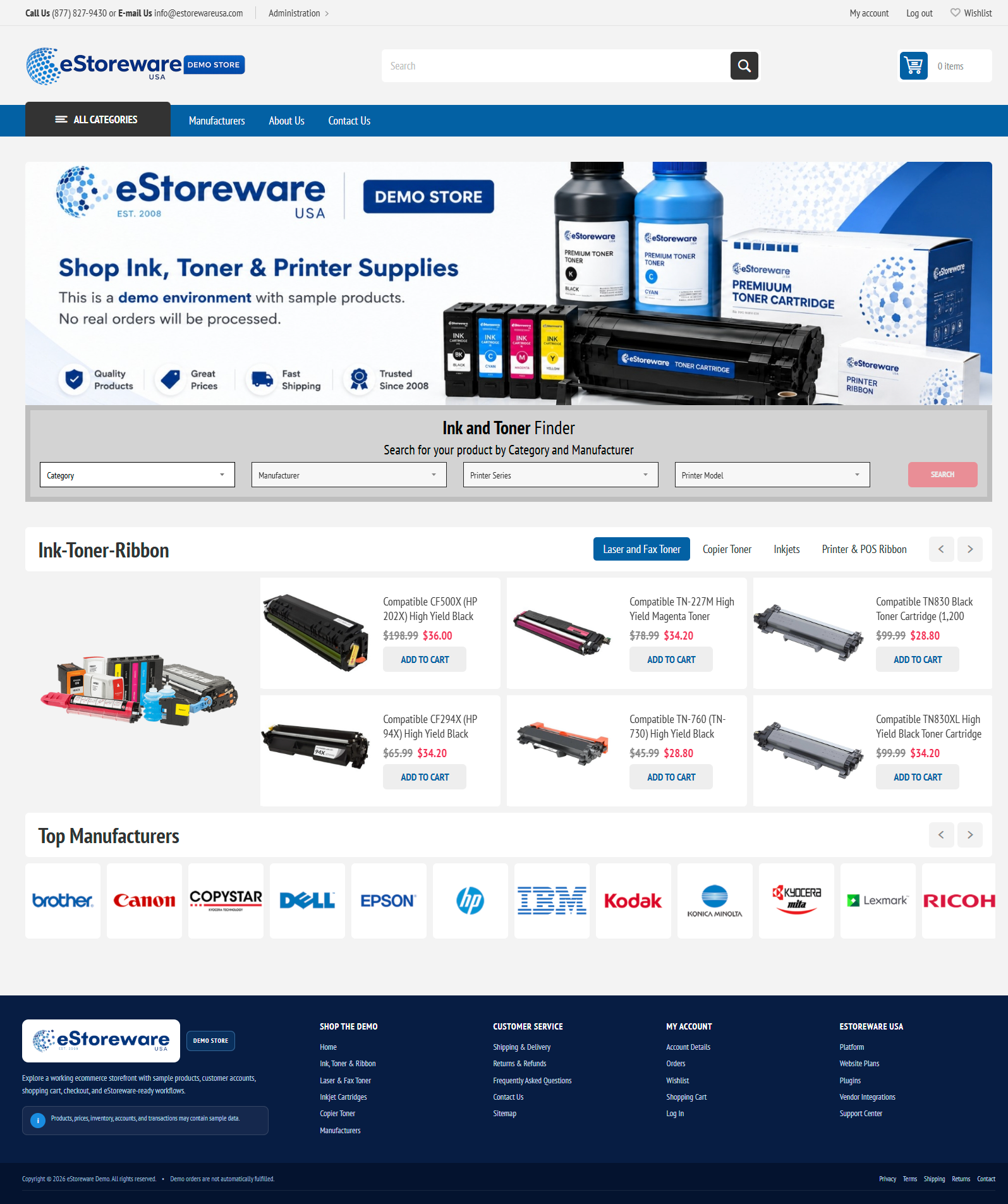
Product discovery
Category navigation, manufacturer options, specifications, and clear product information make it easier to reach the correct item.
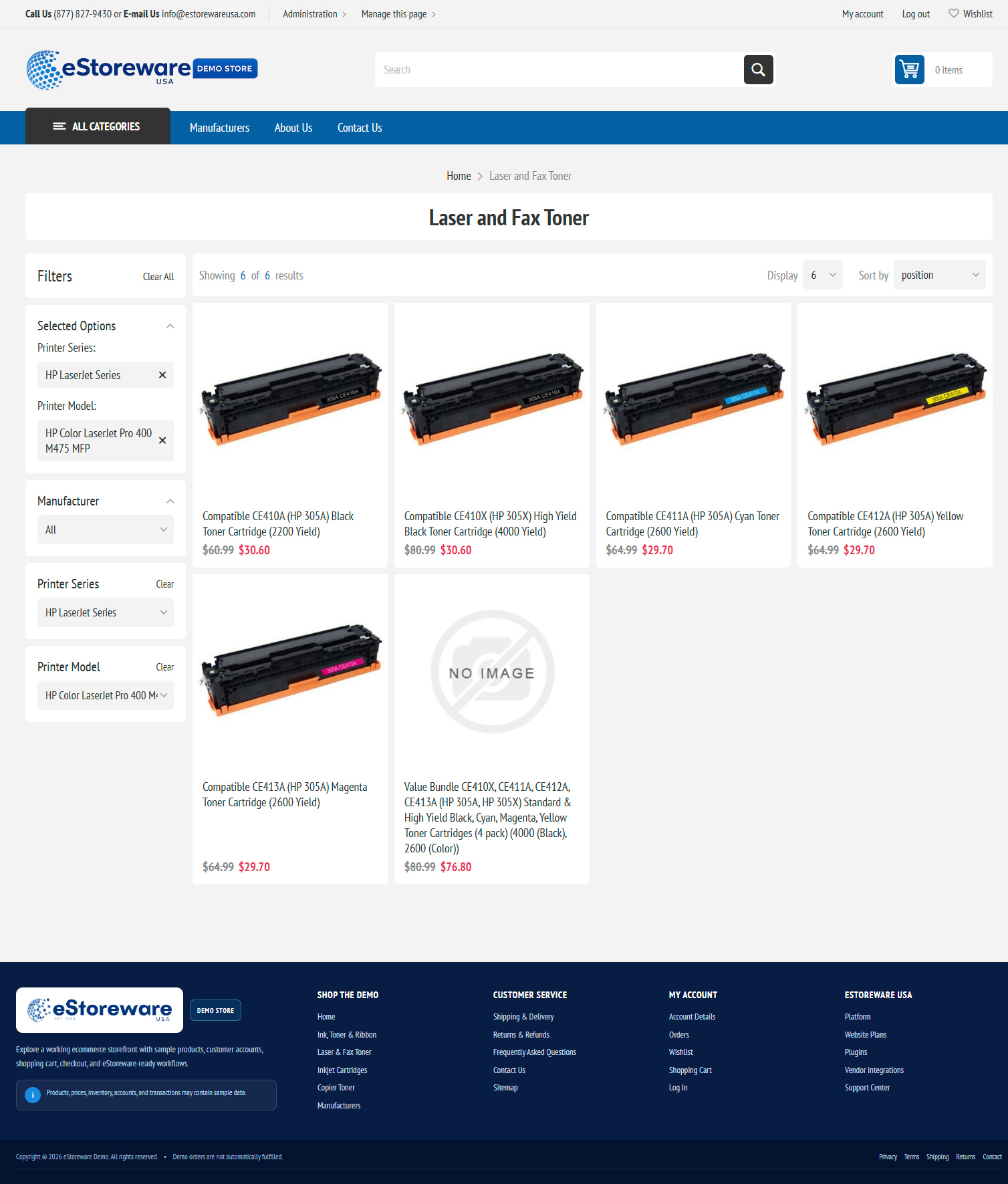
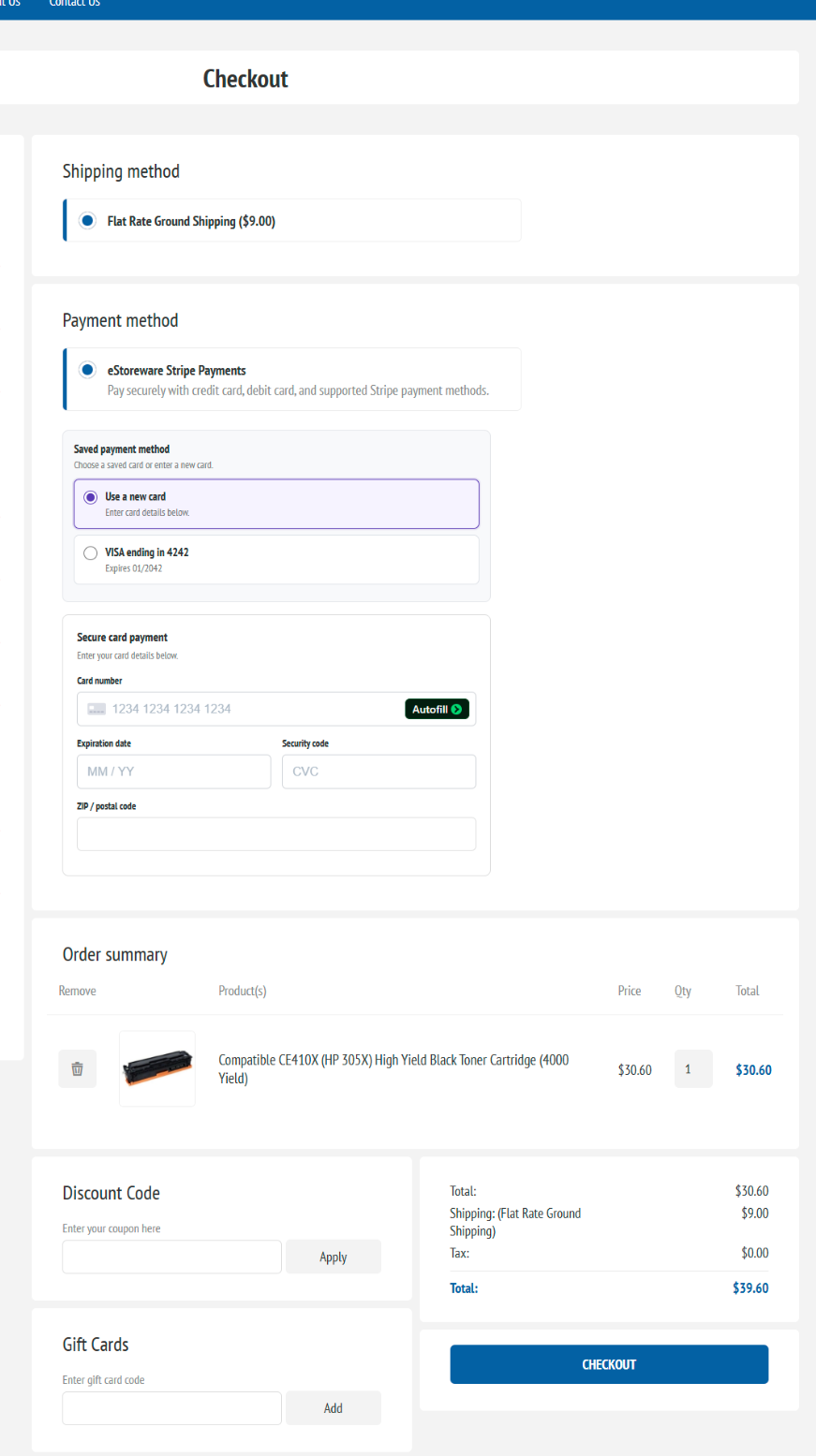
Cart and checkout
The cart and checkout can connect to saved payment methods, recurring billing, discounts, quote requests, and B2B workflows.
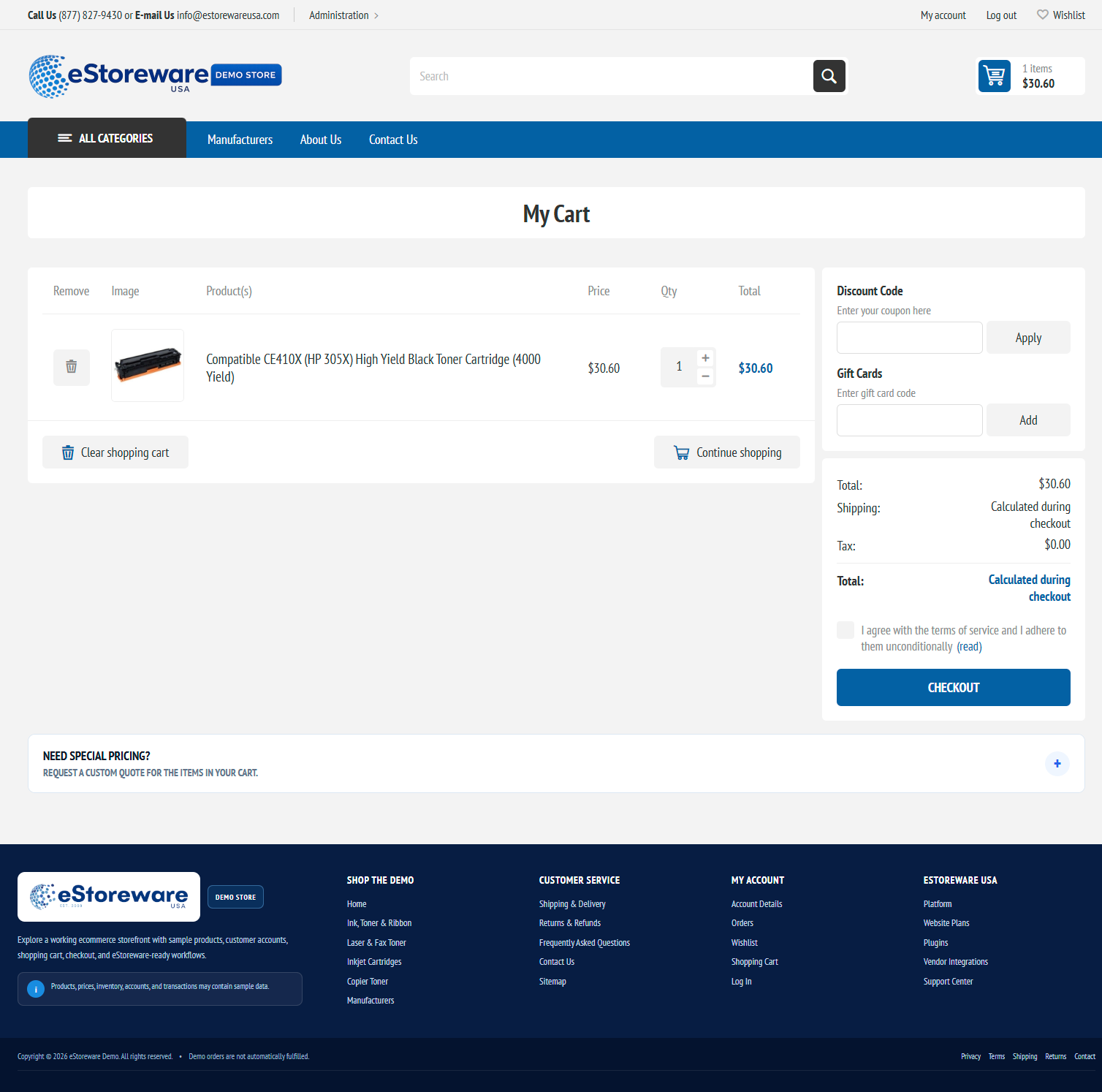
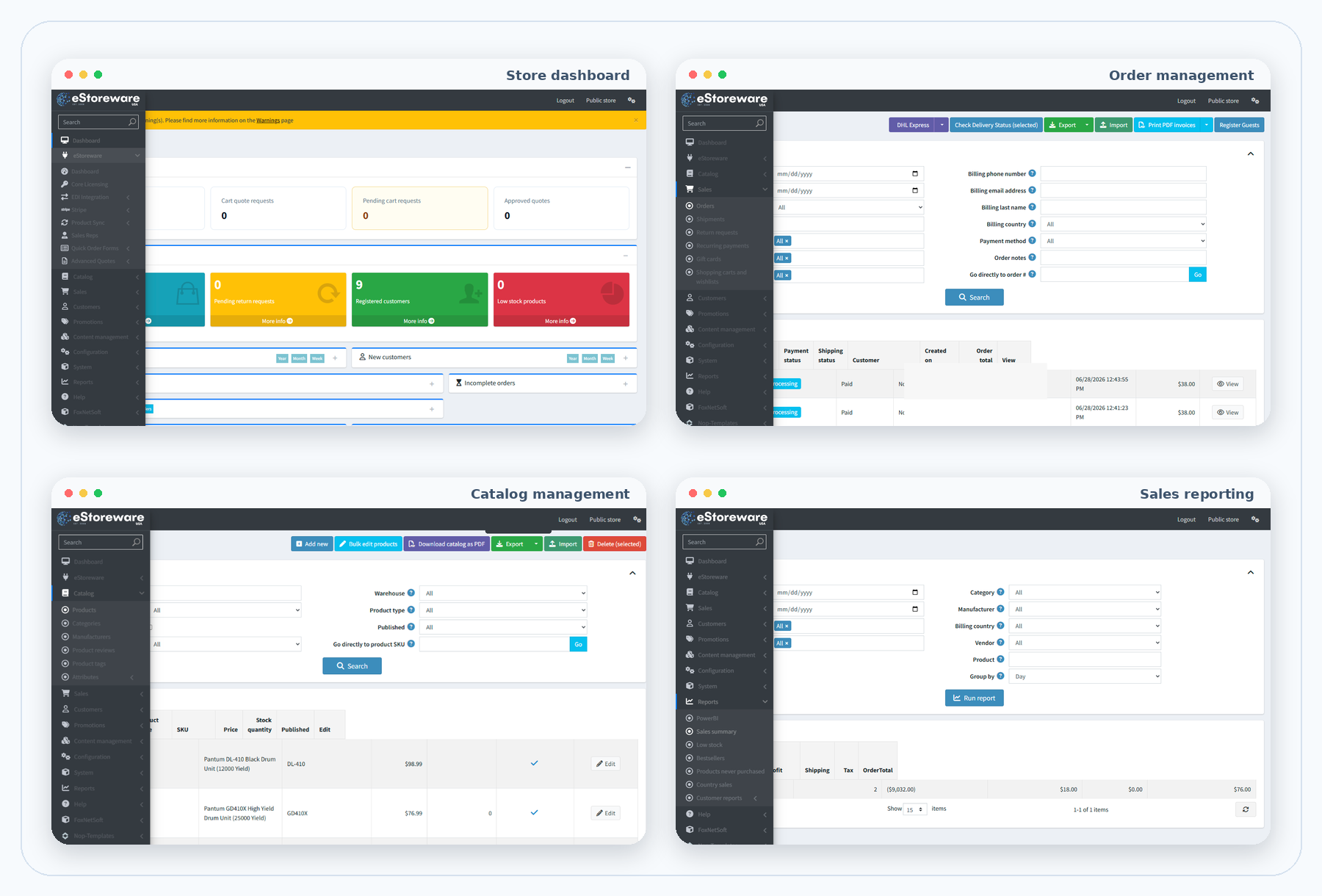
Store administration
Work with products, customers, orders, content, promotions, shipping, payments, reports, and eStoreware tools without separate disconnected systems.
Expandable business workflows
Use focused pages to explore each workflow.
A faster path through shipping, payment, review, and order placement.
Explore →02Quick Order Forms, public links, QR ordering, and desktop shortcuts.
Explore →03Stripe checkout, saved cards, webhooks, renewals, and retries.
Explore →04Product feeds, previews, mappings, and controlled imports.
Explore →05Quote requests, requested pricing, approvals, and conversion.
Explore →06Vendor files, mappings, FTP/SFTP, queues, and history.
Explore →07Assignments, order attribution, commissions, and exports.
Explore →08Store-scoped catalogs, settings, content, and plugin behavior.
Explore →09Store-aware shopping help, signed-in account answers, and a permission-controlled admin copilot.
Explore →See the website solution in action
Tell us about your catalog, customers, vendors, payment needs, and ordering process so the most relevant workflows can be demonstrated.